← Back to main page
Posted at
Progress bar design process notes, 5/18/26
* By Zoë *
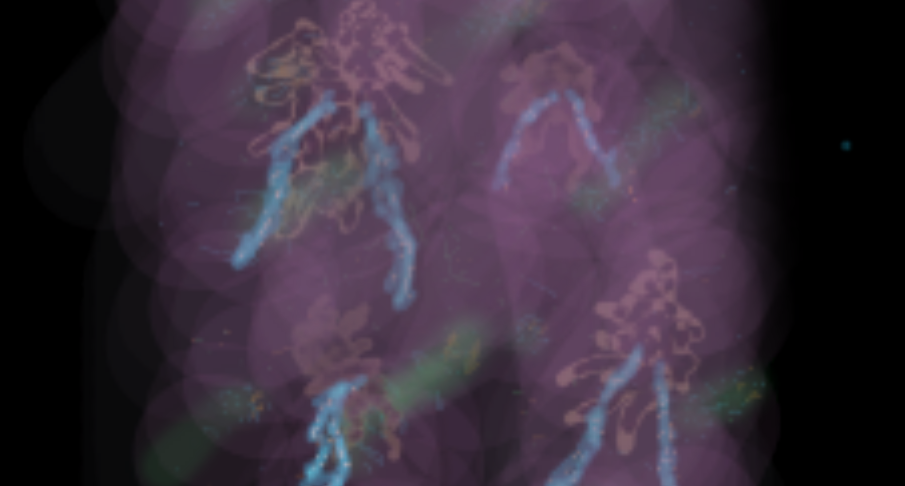
As of earlier today, the provisional design for the progress bar I had was just a radial gradient, something I sketched out a few days ago:
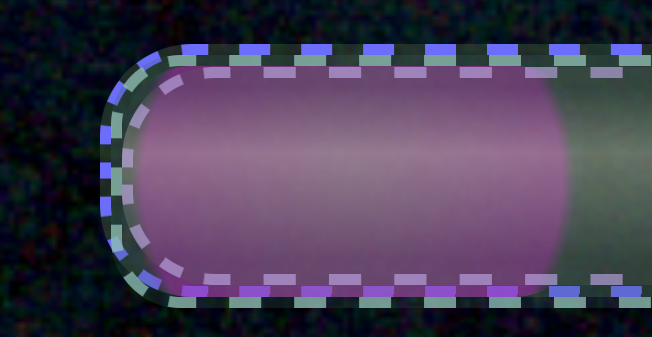
The CSS I used for the background radial gradient is:
radial-gradient(circle,
                #ad5cb087 0%,
                #c225c779 81%,
                rgba(169, 87, 199, 0.05) 87%,
                #0000 100%);
(The #xxxxxxxx-style color stops I wrote at least
in part with Vim, and the rgba(255, 255, 255, 1.0)-style color stop I used the Firefox color picker
for.)
The softness of the edge depends on the width of the element the
gradient is applied to (i.e. the progress bar element), so I was
expecting to modify this based on whatever the actual width of
the progress bar needed to be. I’m storing these arguments to
CSS’s background as part of the data associated with each
“progress bar stop” in the application’s database.
Anyway, after having launched the fundraiser this morning, this evening I set out to do the first update of the progress bar based on actual data. When I went to tweak the CSS based on the actual progress bar width value we ended up with, I decided I wanted to do something with a little more pizazz than my provisional sketch above.
First, I messed around with the radial gradient until I had this:

I used a mixture of Firefox paint picker and editing by hand for this, whatever suited my purposes best in the moment. I asked Lily for her opinion at certain points and she gave me the overall impression that she liked a “more 3D” look, which I took into account.
radial-gradient(circle,
                rgba(223, 118, 255, 0.87)    0%,
                rgba(216,  16, 223, 0.4)    30%,
                rgba(216,  16, 223, 0.02)   40%,
                rgba( 94,  32,  96, 0.28)   40%,
                rgba( 94,  32,  96, 0.28)   50%,
                rgba(194,  37, 199, 0.286)  80%,
                rgba(179, 179,  60, 0.33)   85%,
                rgba( 94,  54, 108, 0.01)   90%,
                rgb( 123, 123,  35)        100%);
I felt like it still needed something extra after this, so I drew this overlay for it in the free paint program Krita, using a Marble Mouse, in about 45 m.:
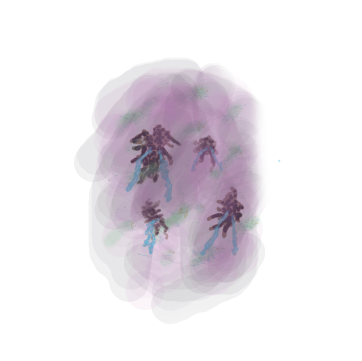
I’ve included the Krita project folder as part of the download. It’s for a rather old version of Krita (4.14…I keep meaning to try Krita 5 but I haven’t yet, and I at least know I like this version).
I used mainly the built-in pencil and paintbrush tools, always at varying levels of semitransparency and varying widely in diameter, with the blend modes “Addition”, “Normal”, “Burn”, and “Color Dodge”.
These are the 5 layers of the Krita file, from highest to lowest:
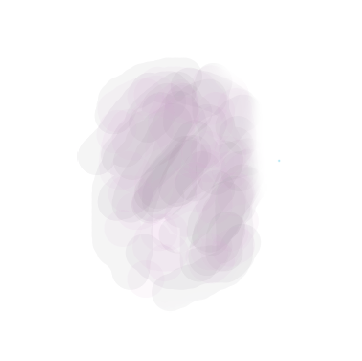
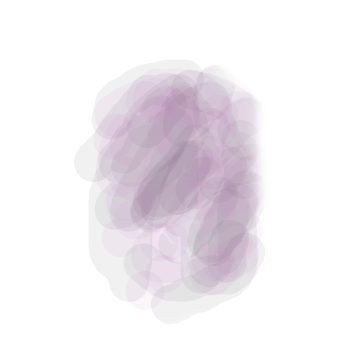
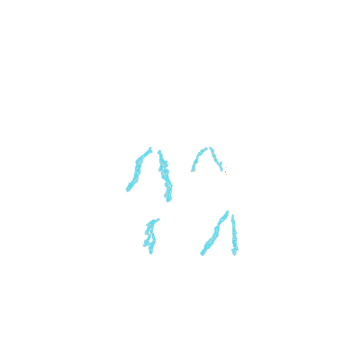
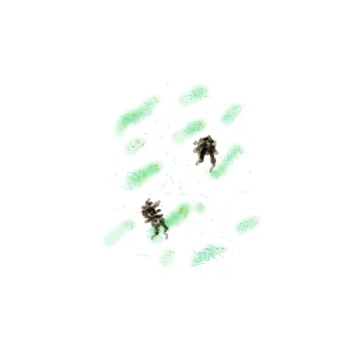
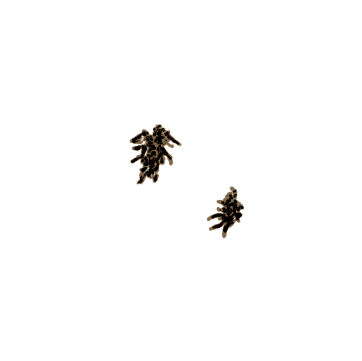
Here’s the new CSS background, incorporating the overlay:
radial-gradient(circle,
                rgba(223, 118, 255, 0.87)    0%,
                rgba(216,  16, 223, 0.4)    30%,
                rgba(216,  16, 223, 0.02)   40%,
                rgba( 94,  32,  96, 0.28)   40%,
                rgba( 94,  32,  96, 0.28)   50%,
                rgba(194,  37, 199, 0.286)  80%,
                rgba(179, 179,  60, 0.33)   85%,
                rgba( 94,  54, 108, 0.01)   90%,
                rgb( 123, 123,  35)        100%);

center/260% repeat url(/orb_overlay_01.png);
The aspect ratio of the progress bar element at the time of this writing is 0.704167:1.
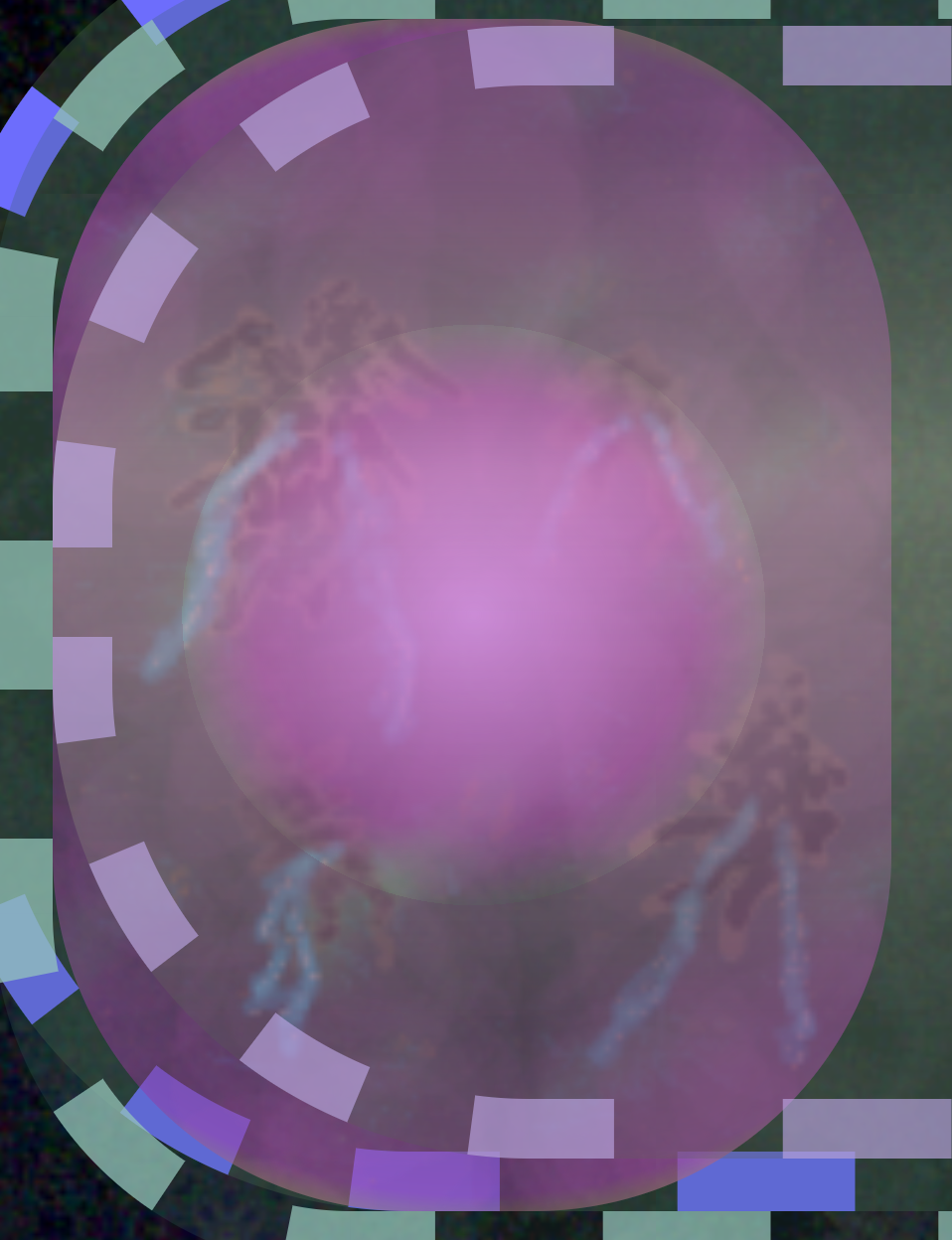
The final result: